
How to Verify Puppy Photos and Videos Before Paying
Reverse-search listing images, request a live call and a custom current clip, compare markings and surroundings, and stop when the seller avoids real-time proof.
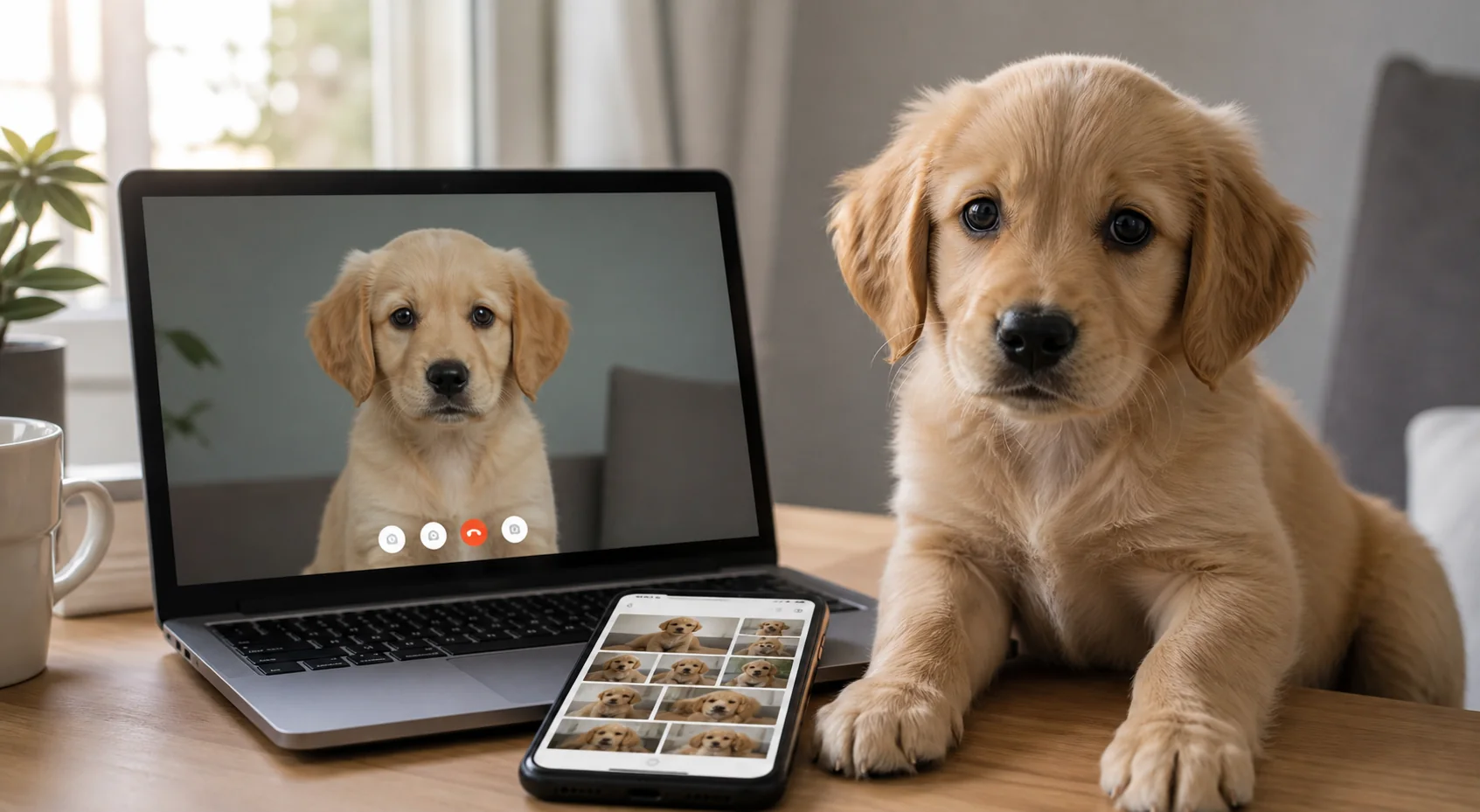
Quick answer: no single photo proves that a seller currently has a puppy. Use several checks together: reverse-search the images, compare the puppy's markings across every listing, request a short custom clip, and hold a live video call. If the seller refuses real-time contact or keeps changing the story, do not send a deposit.
Step 1: reverse-search every important image
A reverse image search can reveal whether a photo appears on an older listing, another breeder's site, a stock library, or several ads with different cities and prices. Search the main portrait plus one or two gallery images. Crop around the puppy and try again if the full image produces no result.
A clean search is not proof of ownership. New stolen images, mirrored images, screenshots, and AI-generated media may not have an obvious match. Treat reverse search as one signal in a larger verification process.
Step 2: compare details across the listing
- Coat patches, facial markings, eye color, sex, and approximate age remain consistent.
- The background, weather, and household story make sense together.
- The puppy's size and development are plausible for the claimed birth date.
- File quality does not jump from professional studio photos to unrelated low-resolution clips.
- The same puppy is not advertised under conflicting names, states, or prices.
Step 3: request custom current proof
Ask for a brief new video showing the puppy from more than one angle and including a simple, harmless action chosen after the request—for example, walking toward a specific colored toy while the seller says the current date. Avoid requests that frighten, restrain, or endanger the puppy.
Custom clips help, but edited and synthetic media are improving. A live conversation remains important because you can ask the seller to change the camera view, show the surroundings, and answer questions while the puppy is visible.
Step 4: hold a useful live video call
- Confirm the seller's face is optional, but their voice and answers should remain consistent.
- Ask to see the specific puppy wake, walk, and interact normally.
- Compare current markings with the listing photos.
- Ask to see the mother when appropriate or receive a clear explanation.
- Show one record at a time and compare names and dates with the puppy.
- Do not accept a prerecorded loop presented as a live call.
Red flags that should stop payment
Stop when the seller refuses voice or video contact, claims every camera is broken, sends a different puppy, changes locations, demands irreversible payment, or introduces new shipping and insurance fees after the deposit. The FTC advises consumers to reverse-search pet photos and move on when a seller refuses an in-person or video visit.
Frequently asked questions
Can image metadata prove when a puppy photo was taken?
No. Metadata can be removed or changed by phones, messaging apps, editing tools, and social platforms. It may support the story, but it is not conclusive proof.
What if the seller says video calls stress the puppies?
A calm short call can be planned around sleep and feeding. The seller should offer another reasonable form of current, interactive verification rather than demanding payment first.
Are professional photos a red flag?
No. Good photography is not the problem. The concern is whether the seller can connect those photos to the current puppy, records, location, and live interaction.
Sources and review notes
See the FTC consumer guidance on pet scam verification and payment red flags and its updated warning about stolen or AI-generated animal media. Report suspected fraud through the official FTC reporting channel.